Top 5 Free AI Tools That Make Your Work Easier
In 2025, AI tools are more accessible and powerful than ever — and many high-value ones are completely free. Whether you’re a freelancer, developer, writer, musician or designer, these five free AI platforms can handle research, writing, design, code and audio tasks so you spend less time on busywork and more time creating.
Five Free AI Tools That Boost Productivity for Many Professions
Here are five standout AI tools — all with free tiers — that freelancers, traders, writers, musicians, developers, designers and more can use in their daily work.
Perplexity AI — Research & Insight Engine
Use Cases
- Quickly get sourced answers and summaries for complex questions
- Fact-checking and research for articles or reports
- Ideation support: ask follow-up questions
Features
- Citations for each answer, giving you transparency and trustworthiness
- Clean, minimal interface, great for fast research without distractions
Best For
Writers and content creators, researchers and students, freelancers who need data for proposals
Perplexity AI — try its free plan

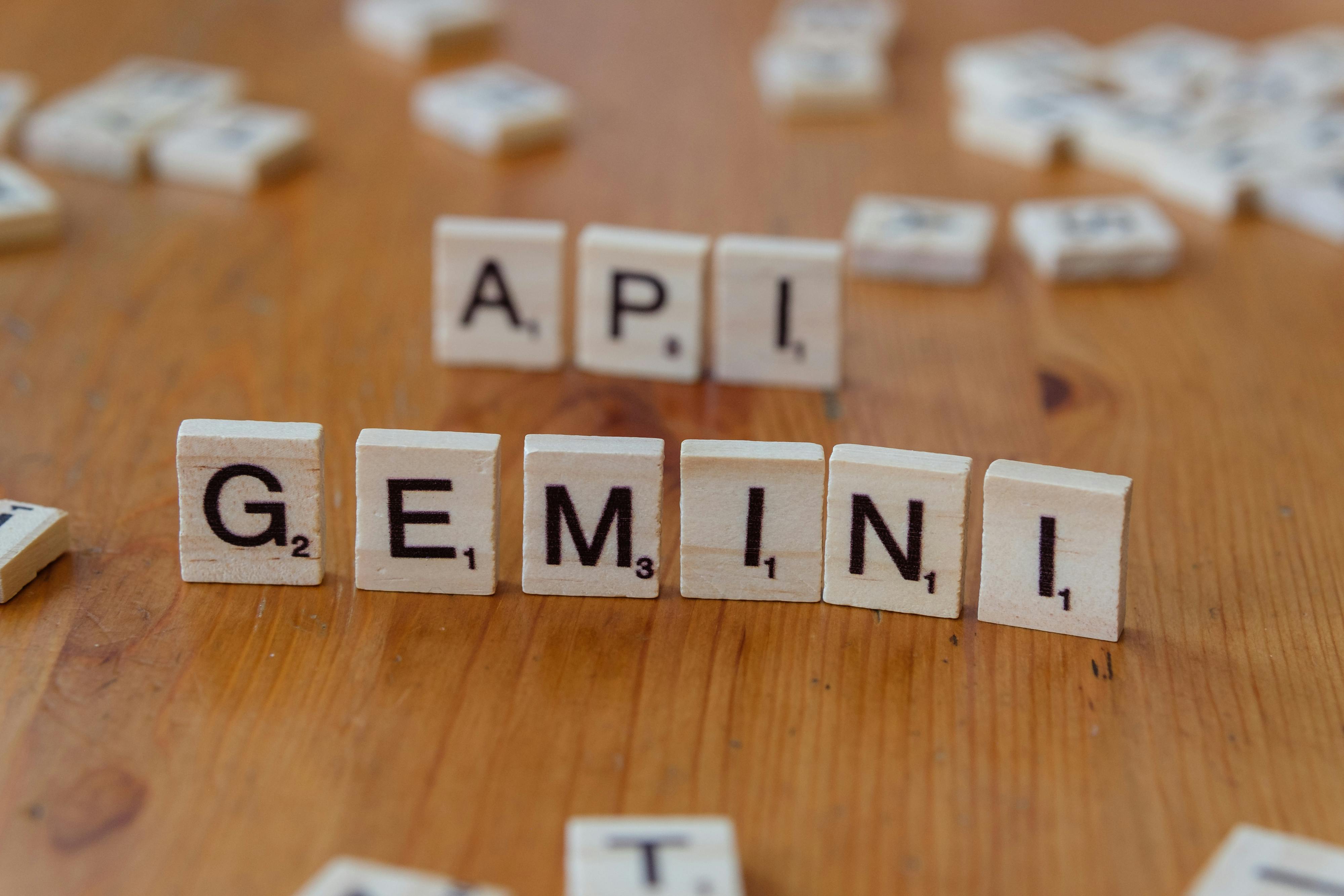
Google Gemini Code Assist — Coding Help for Developers
Use Cases
- Generate or complete blocks of code from natural-language instructions
- Debug existing code or refactor snippets
- Research programming concepts or ask for examples
Features
- Free version offers significant code completions for individual use
- Supports many programming languages and integrates with popular IDEs
Best For
Freelance developers, hobbyist coders, students and teams building prototypes
Notion AI — Organise, Write & Automate
Use Cases
- Take notes in meetings, then summarise them automatically
- Brainstorm blog ideas, outlines or project plans
- Turn rough notes into polished prose with AI assistance
Features
- Built into the Notion workspace on the free personal plan
- Summarises, rewrites and generates action items from text
Best For
Freelancers managing many projects, designers planning content or workflows, knowledge workers and creators

Canva Magic Studio — Design & Visual Creation
Use Cases
- Generate graphics, presentations or social media visuals quickly
- Create mood boards or concept art for clients
- Resize or animate designs with minimal effort
Features
- Free daily credits for AI image generation and Magic Write for text
- Templates and simple controls tailored for non-designers
Best For
Designers, content marketers, small business owners and creators who need visuals fast
Canva Magic Studio — official site

Otter.ai — Transcription & Meeting Summaries
Use Cases
- Transcribe meetings, interviews and calls in real time
- Automatically generate action items and summary notes
- Search within transcripts for specific keywords
Features
- Generous free transcription minutes each month
- Integrations with Zoom and Google Meet
Best For
Writers, freelancers with frequent client calls, project managers and podcasters
Comparison Table: Features at a Glance
| Tool | Main Use | Professions That Benefit | Free Plan Strength |
|---|---|---|---|
| Perplexity AI | Research and Q&A | Writers, Researchers | Very good for sourced answers |
| Gemini Code Assist | Code generation and debugging | Developers, Freelancers | High monthly completions |
| Notion AI | Notes, writing, summarising | Designers, Knowledge workers | Built into free workspace |
| Canva Magic Studio | Design and image generation | Designers, Marketers | Daily free image credits |
| Otter.ai | Transcription and summaries | Teams, Podcasters, Freelancers | Generous free minutes |

How These Tools Make Your Work Easier
Save time
Instead of switching between many apps, you can research, write, code or design quickly with a few tools.
Improve quality
Use AI to catch grammar, generate polished text, or brainstorm stronger ideas.
Stay organised
Notion AI helps you build a structured, searchable knowledge base.
Capture every detail
Otter.ai ensures you never miss an action point from meetings.
Create visually
Canva’s AI helps non-designers produce professional visuals without a steep learning curve.
Useful Links
Frequently Asked Questions
Are these AI tools really free?
Yes — all five platforms offer free-tier plans that provide real value without needing a paid subscription.
Will AI replace my job if I use these tools?
No — these tools are meant to assist rather than replace. They speed up tasks but your judgement and creativity remain essential.
Is the free version of Gemini Code Assist powerful enough for serious development?
For many developers and freelancers, yes. The free tier offers generous completions suitable for prototyping and regular work.
Can I trust research from Perplexity AI?
Perplexity displays sources with answers, making it easier to verify facts and trust summaries.
Is it legal to use AI-generated images from Canva in paid projects?
Generally yes, but check Canva’s licence and terms for commercial use to ensure compliance with current rules.
Conclusion
These five free AI tools can transform how freelancers, writers, developers, designers, traders and musicians approach daily work — cutting research time, improving output and automating tedious tasks. Try one tool this week in your workflow, measure the time you save, and expand from there as needed.





No comments:
Post a Comment